ABOUT
A bridge between where you learn and where you make.
The last Arduino lesson always ended with "nice work" — and nothing after. We are building the after.
Mission
Remove the cliff after verification.
Plenty of people have watched a circuit work on a breadboard. The moment they try to move it onto a board, everything the dev board was hiding — crystal, reset circuit, regulator, decoupling, protection — shows up at once, and a wireless module brings certification with it. Most people stop here. That knowledge gap between a verified circuit and a production circuit is what we are closing.
So we do not build a general-purpose EDA tool. We take what you already have — a sketch and a parts list — expand it into a Shield/HAT or a module-on-board production board, and export only what passes a deterministic verifier, in standard formats. A project that starts in the simulator goes all the way to the board files.
From learning to making, without changing projects.
The shape of the product
This product follows a structure the same team has already proven in a different domain. Take a non-expert's design intent as one declarative record; render that intent into several views (simulation, breadboard, PCB); verify anything auto-generated with deterministic rules; and make the moment something real gets made — a drawing or a Gerber — the moment of payment. Absorbing Korean and Japanese regulation (KC · MIC) at design time is the same idea.
| Single source of truth | Views | Verification | Payment point |
|---|---|---|---|
| Design intent + pin contract | L0 simulation · L1 wiring diagram · L2/L3 KiCad board | Logic / electrical (P1–P8) / physical (you) | Gerber download |
Principles
The codebase's hard rules, translated for the people who use it.
AI only proposes. A deterministic verifier decides.
A netlist produced by AI is never used as-is. It must pass catalog grounding → golden patterns (real open-source circuits) → ERC → pin contract → N-sample consensus → KiCad DRC to be adopted; if any step fails we fall back to the rule-based expander. There is no AI in the verifier.
The three gates are never mixed.
Logic (simulator), electrical (ERC · DRC) and physical (you) are always shown separately. Physical verification never passes automatically — it turns on only after you have checked the real board and ticked it yourself.
GPL tools run only as separate processes.
KiCad, Freerouting, arduino-cli and Espressif QEMU are neither linked nor bundled; they are invoked in separate containers and processes. Everything that runs in your browser is MIT-licensed.
We never ask you to draw a circuit.
We take what you already have — an .ino sketch, a parts list — as input. We ask only about what cannot be inferred, and never make you start over.
Auto-inserted circuits are always explained.
We quietly fill in decoupling, pull-ups, flyback and level shifters, and attach a "why?" to each part. This is an educational product: you do not have to know, but you can always find out.
Output is in standard formats.
You get the KiCad project plus Gerber, BOM and CPL as they are. Upload them to any fab, keep editing in KiCad. No lock-in.
What we do not do
The product works because its scope is narrow.
- General-purpose EDA — free-form schematic editing
- Bare-chip integration — a lone MCU with your own crystal, USB and bootloader design
- Analog circuit simulation (SPICE)
- 4+ layers · high-speed signals · impedance control — at that point you graduate to KiCad
- Full Raspberry Pi emulation — a GPIO mock is enough
Open source
This product stands on open source. Here is what we use, under which license, and how it is integrated.
| Project | License | Role | Integration |
|---|---|---|---|
| KiCad 9 | GPL-3.0 | Board generation · DRC · Gerber/CPL export | kicad-cli in a separate container; not linked, not bundled |
| Freerouting | GPL-3.0 | Autorouting (DSN → SES) | Invoked as a separate JVM process |
| arduino-cli | GPL-3.0 | Sketch compilation (.hex / .uf2 / .bin) | Separate compile container |
| Espressif QEMU | GPL-2.0 | Server-side ESP32 simulation | Separate process; GPIO replayed from MMIO traces |
| avr8js | MIT | In-browser AVR simulator | Bundled in the frontend |
| rp2040js | MIT | In-browser RP2040 simulator | Bundled in the frontend |
| @wokwi/elements | MIT | Breadboard component graphics | Bundled in the frontend |
| KiCanvas | MIT | In-browser .kicad_pcb viewer | Vendored in the frontend |
| Monaco Editor | MIT | Code editor | Self-hosted in the frontend |
Team · contact
Built by ibou.ai. We look first at makers and students in Korea and Japan. In both markets wireless certification (KC · MIC) is the threshold to production, which is where recommending certified modules first comes from.
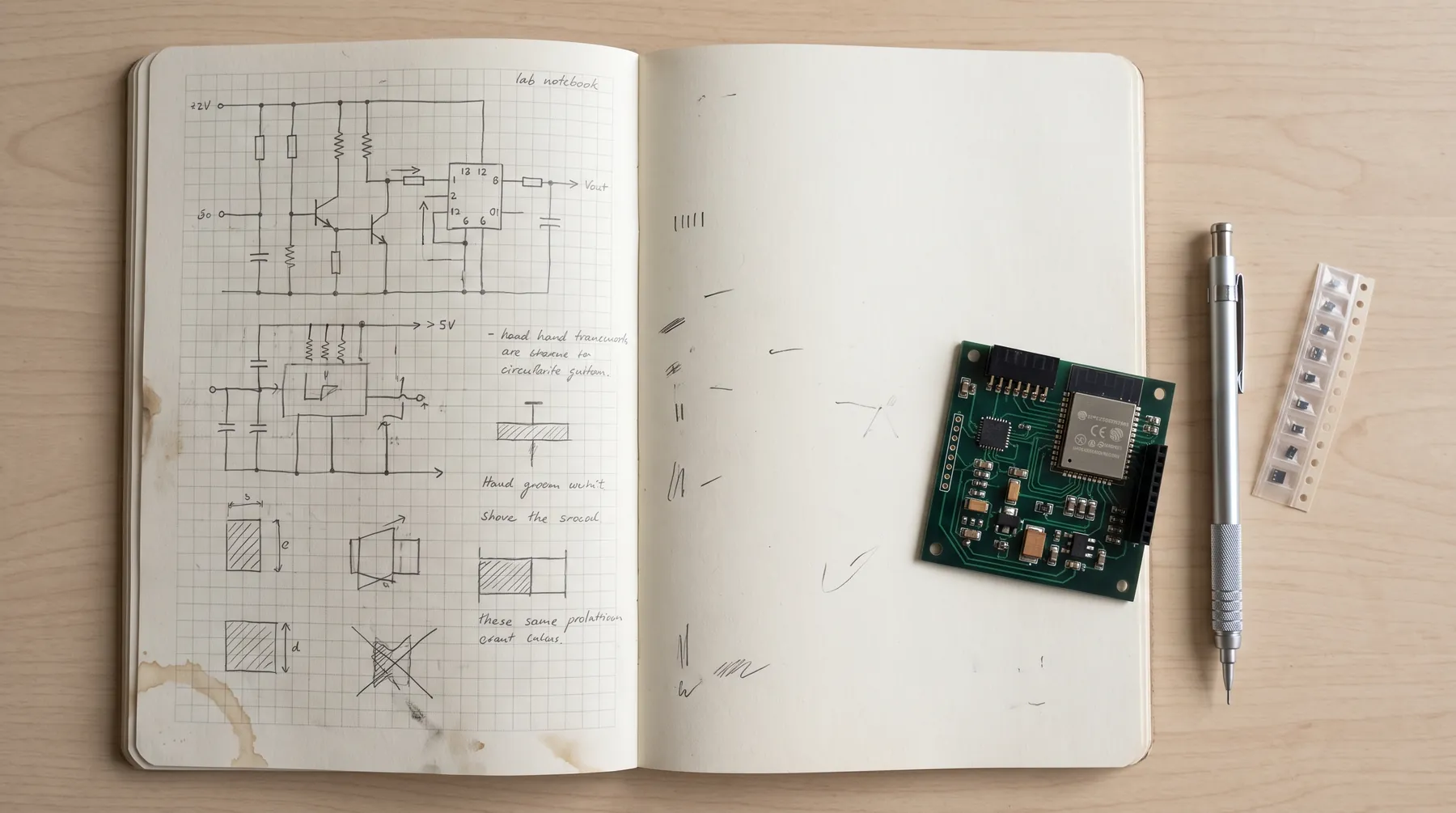
We are in Phase 0. The first thing we verified was that the conversion pipeline actually works (ESP32 PoC board, DRC 0); we are now expanding the catalog. We are looking for our first users.
Region · certification
KR · JP · KC · 技適 · FCC · CE
UI in Korean, Japanese and English. Certification checklists cover KC and MIC by default.
Trying it is the fastest explanation.
Run an example sketch in your browser without logging in and see what we read from the code.